
Key facts
- Brand
- Casio
- Model
- EX-Z330
- Category
- Digital cameras
- Industry
- Electronics
- Documents
- 2
- Languages
- EN · JA
- Last added
- 2012-06-06
Start here
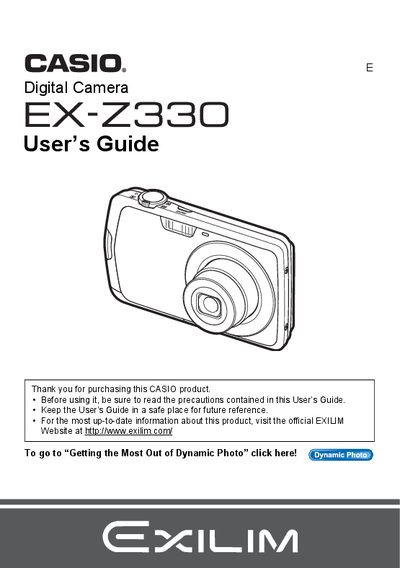
Casio EX-Z330 Digital Camera User's Guide
This manual provides comprehensive instructions for operating the Casio EX-Z330 digital camera. It covers essential topics such as unpacking the device, charging the NP-80 battery, preparing memory cards, and turning the camera on and off. The guide details how to take snapshots using various modes like Auto Focus, Face Detection, and Make-up Mode, as well as recording movies and audio.
Read onlineCasio EX-Z330 specifications
| Battery type | NP-80 rechargeable battery |
|---|---|
| Charger model | BC-81D |
| Included cables | USB connection cable, AV cable |
| LCD panel pixel pass rate | 99.99% or higher |
| Dynamic JPEG resolution | 640 × 480 pixels |
All Casio EX-Z330 documents by type
Day-to-day operation, settings and troubleshooting. Start here if the product is already set up.
Questions answered in these manuals
What items are included in the camera box?
The package includes a rechargeable lithium ion battery, a charger unit, a power cord, a strap, a USB cable, an AV cable, a CD-ROM, and a Basic Reference guide.
What is the maximum number of pixels that may not light or remain lit on the screen?
The manual states that a very small number of pixels may not light or may remain lit at all times due to liquid crystal panel characteristics.
How do I charge the battery?
Insert the NP‑80 rechargeable battery and charge it with the supplied BC‑81D charger before first use.
Can I print photos directly from the camera?
Yes, the camera supports PictBridge, allowing you to print photos on compatible printers.