
Key facts
- Brand
- Casio
- Model
- EX-Z550
- Category
- Digital cameras
- Industry
- Electronics
- Documents
- 4
- Languages
- EN · JA
- Last added
- 2012-06-06
Start here
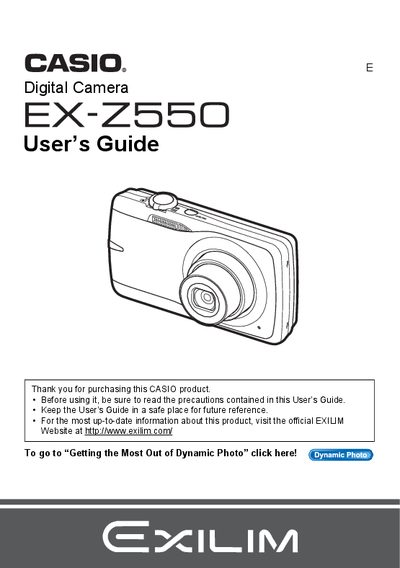
Casio EX-Z550 Digital Camera User's Guide
This document is the official User's Guide for the Casio EX-Z550 digital camera. It provides comprehensive instructions on unpacking the device, charging the NP-80 battery, and configuring initial settings such as memory card formatting and date/time styles.
The guide details how to operate the camera in various modes, including snapshot shooting with auto focus, face detection, and best shot scenes. It also covers advanced features like Dynamic Photo, movie recording, image editing functions (red-eye correction, resizing), printing via PictBridge, and transferring files to Windows or Macintosh computers.
All Casio EX-Z550 documents by type
Day-to-day operation, settings and troubleshooting. Start here if the product is already set up.
Questions answered in these manuals
What memory cards are supported?
The manual lists 'Supported Memory Cards' in the preparation section, though specific formats are not detailed in the provided text.
How do I format a new memory card?
You can load and format (initialize) a new memory card before using it to ensure compatibility with the camera.
What memory cards are supported?
The manual lists a section on 'Supported Memory Cards' but does not specify the exact types in the provided text.
How do I format a new memory card?
You can load and format (initialize) a new memory card using the camera's menu functions as described in the guide.
How can I print photos directly from the camera?
Use the DPOF function to select images and print them via a compatible printer connected through the USB port.
What ISO settings are available?
The camera allows you to set the ISO sensitivity from the menu.