
Key facts
- Brand
- Casio
- Model
- EX-Z400
- Category
- Digital cameras
- Industry
- Electronics
- Documents
- 4
- Languages
- EN · JA
- Last added
- 2012-06-06
Start here
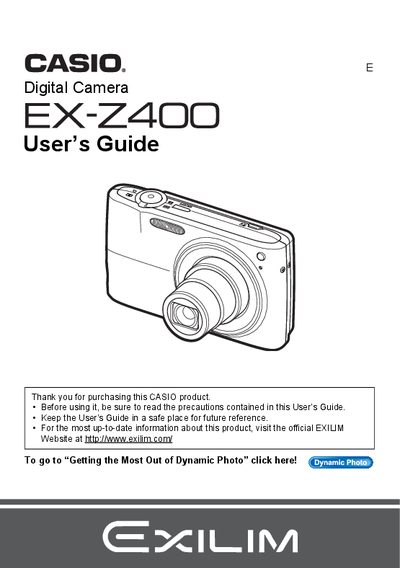
Casio EX-Z400 Digital Camera User's Guide
This manual provides instructions for using the Casio EX-Z400 digital camera. It covers unpacking the device, charging the NP-40 battery, and configuring basic settings such as image size, quality, and flash usage. The guide details how to shoot snapshots and movies, utilize features like Face Detection and BEST SHOT, and perform on-camera editing tasks including red-eye correction and movie trimming.
Read onlineCasio EX-Z400 specifications
| Battery type | NP-40 rechargeable |
|---|---|
| Charger model | C-31L |
| LCD pixel yield | 99.99 % or higher |
Source: CASIO digit cameraEX-Z400 Manual
All Casio EX-Z400 documents by type
Day-to-day operation, settings and troubleshooting. Start here if the product is already set up.
Questions answered in these manuals
What items are included in the camera box?
The package includes a rechargeable lithium ion battery (NP-40), a charger unit (BC-31L), a power cord, a USB cable, an AV cable, and a CD-ROM.
What happens if the LCD panel shows small dark or lit pixels?
This is normal because the liquid crystal panel provides a pixel yield in excess of 99.9%, meaning some very small number of pixels may not light or remain lit.
What battery is included with the Casio EX-Z400?
The camera includes a rechargeable lithium ion battery model NP-40.
What is included in the package besides the camera?
The package contains a charger unit, power cord, USB cable, AV cable, CD-ROM, and Basic Reference.
How do I charge the battery?
Insert the NP‑40 rechargeable battery into the supplied charger (model C‑31L) and connect it to power.
What should I do before first use?
Read the entire manual, charge the battery, and install the battery before turning the camera on.