
Key facts
- Brand
- Casio
- Model
- EX-Z57
- Category
- Digital cameras
- Industry
- Electronics
- Documents
- 3
- Languages
- EN · ZH · JA
- Last added
- 2012-06-06
Start here
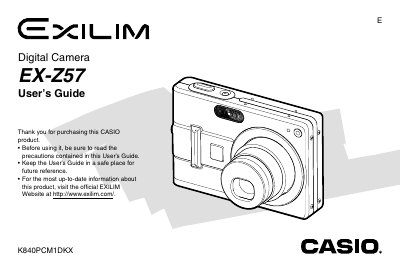
CASIO EX-Z57 digital camera user manual
The Casio EX-257 is a compact digital camera equipped with features such as optical and digital zoom, flash assist, and various shooting modes including Best Shot and Macro. The device supports SD memory cards and includes bundled accessories like a rechargeable lithium-ion battery (NP-40) and USB cradle.
Read onlineCasio EX-Z57 specifications
| Dimensions (Camera) | 88.5(W) x 58(H) x 22.5(D) mm |
|---|---|
| Weight (Camera) | Approximately 130 g |
| Battery Type | Rechargeable Lithium ion Battery (NP-40) |
All Casio EX-Z57 documents by type
Day-to-day operation, settings and troubleshooting. Start here if the product is already set up.
Questions answered in these manuals
What is the operating temperature range for the camera?
The camera operates within a temperature range of 0°C to 40°C.
What is the output voltage for the Special AC Adaptor?
The output voltage is 5.3V DC with a capacity of 650 mA.
How do I charge the battery?
Insert the NP‑40 rechargeable battery into the camera and follow the charging procedure described in the manual.
How can I connect the camera to a computer?
Use the USB base (CA‑27) that comes with the camera and install the supplied software from the CD‑ROM to transfer images.
What safety precautions should be taken before using the camera?
Read all safety notes, keep the camera in a safe place, and follow the warnings listed in the manual before operation.
How do I replace the battery?
Open the battery compartment, remove the old battery, insert the new battery, and close the compartment as described in the manual.