
This is a user manual for the CASIO EX-Z500 digital camera, which introduces the camera's features, appearance, and usage methods.
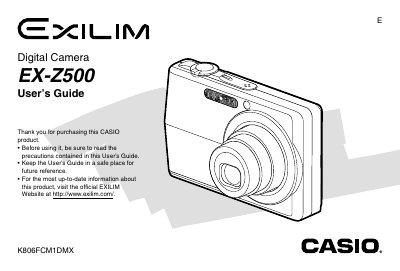
This document is the official User's Guide for the Casio EX-Z500 digital camera. It provides comprehensive instructions on unpacking the device, configuring settings such as language and clock, and operating the camera in REC (Recording) mode to capture still images and movies.
The guide also details playback features including zooming, resizing, cropping, and editing movies. Additionally, it covers file management, connecting the camera to computers via USB or memory cards, printing options using PictBridge, and troubleshooting common issues.
| Dimensions (Camera) | 88.5(W) x 57(H) x 20.5(D) mm |
|---|---|
| Weight (Camera) | Approximately 112 g |
| Battery Type | Rechargeable Lithium ion Battery (NP-40) |
The camera operates within a temperature range of 0°C to 40°C (32°F to 104°F).
The USB cradle measures 105(W) x 16(H) x 61(D) mm.
The Special AC Adaptor requires a power input of 100 to 240V AC, 50/60Hz.