
Key facts
- Brand
- Casio
- Model
- EX-Z600
- Category
- Digital cameras
- Industry
- Electronics
- Documents
- 3
- Languages
- EN · ZH
- Last added
- 2012-06-06
Start here
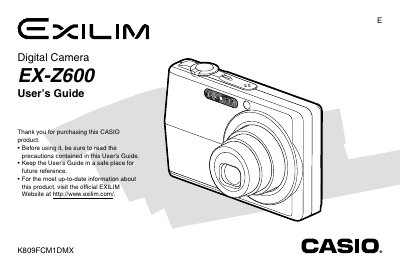
CASIO EX-Z600 Digital Camera User's Guide
This manual provides instructions for using the CASIO EX-Z600 digital camera. It covers initial setup, including checking included items like the NP-40 battery and USB cable, as well as attaching the strap and loading the battery.
The guide details how to record still images and movies, adjust settings such as white balance and exposure compensation, use various modes like Best Shot and Macro, and manage files on built-in memory or a memory card. It also explains how to view images on a TV screen using PictBridge or transfer them to a computer.
Casio EX-Z600 specifications
| Power input | 100‑240 V AC, 50/60 Hz, 383 mA |
|---|---|
| Power output | 5.3 V DC, 650 mA |
| Dimensions | 50 mm W × 20 mm H × 70 mm D |
| Weight | ≈90 g |
All Casio EX-Z600 documents by type
Day-to-day operation, settings and troubleshooting. Start here if the product is already set up.
Questions answered in these manuals
What battery is included with the camera?
The camera includes a Rechargeable Lithium ion Battery model NP-40.
How do I view images on a TV screen?
You can display camera images on a TV screen by selecting the Video Output System.
How do I charge the battery?
Refer to the “如何对电池进行充电” section for step‑by‑step charging instructions.
How can I change the display language and set the clock?
Use the “显示语言及时钟设定” menu to select the desired language and adjust the date and time.
How do I charge the battery?
Charge the battery before first use.
How can I connect the camera to a computer?
Use the USB port; the camera supports the USB protocol.