
Key facts
Start here
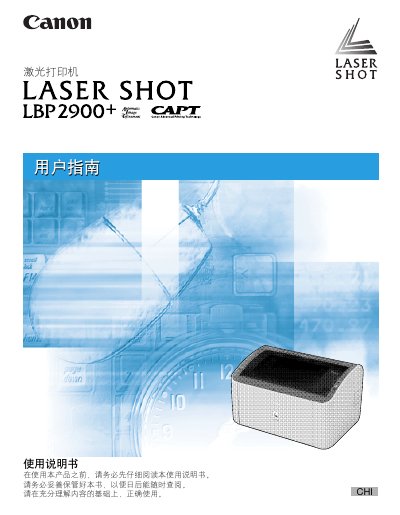
Canon LBP2900+ Laser Printer User Guide
This manual provides comprehensive instructions for using the Canon LASER SHOT LBP2900+ laser printer. It covers essential topics including initial setup, connecting to a computer or network, loading various paper types, and configuring driver settings on different Windows operating systems.
The guide also details daily maintenance procedures such as replacing toner cartridges and cleaning the exterior of the printer. A dedicated troubleshooting section helps users resolve common issues like paper jams, print quality problems, and installation errors. This manual is written in Chinese.
Canon LBP2900+ specifications
| Print Speed | 14 ppm (A4 paper) |
|---|---|
| Warm-up Time | Not more than 10 seconds |
| First Print Time | Not more than 9.3 seconds (A4) |
| Paper Capacity | Approximately 150 sheets (Multi-purpose tray) |
| Output Capacity | Approximately 100 sheets |
| Toner Yield | Approximately 2,000 pages |
All Canon LBP2900+ documents by type
Day-to-day operation, settings and troubleshooting. Start here if the product is already set up.
Questions answered in these manuals
What is the print speed of this printer?
The printer prints at a speed of 14 ppm on A4 paper.
How long does it take for the printer to warm up?
The warm-up time is not more than 10 seconds from power on.
How do I replace the toner cartridge?
See Chapter 5, which describes the steps for removing the old cartridge and installing a new one.
How do I load paper into the printer?
Load paper into the appropriate tray as described in the paper loading section, then adjust the paper size settings if needed.