
This is the user manual for Canon LBP2900 laser printer, which introduces the installation, connection, use, maintenance and troubleshooting of the printer
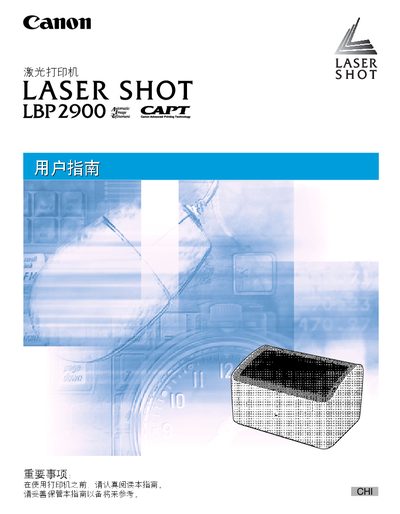
This manual guides users through installing and configuring the Canon LBP2900 laser printer, covering hardware setup, driver installation, and print environment settings. It includes detailed instructions for loading various paper types, adjusting print preferences, and using the printer's features.
Additional sections cover routine maintenance such as toner cartridge replacement and cleaning, as well as troubleshooting common issues. Appendices provide reference tables and legal information. This manual is written in Chinese.
See Chapter 5, which describes the steps for removing the old cartridge and installing a new one.
Load paper into the appropriate tray as described in the paper loading section, then adjust the paper size settings if needed.