
This is the user guide for the Canon LBP2900+ laser printer, covering installation, connection, printing methods, daily maintenance, and troubleshooting.
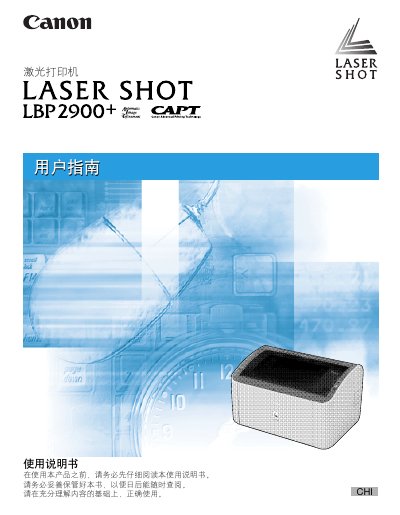
This manual provides comprehensive instructions for using the Canon LASER SHOT LBP2900+ laser printer. It covers essential topics including initial setup, connecting to a computer or network, loading various paper types, and configuring driver settings on different Windows operating systems.
The guide also details daily maintenance procedures such as replacing toner cartridges and cleaning the exterior of the printer. A dedicated troubleshooting section helps users resolve common issues like paper jams, print quality problems, and installation errors. This manual is written in Chinese.
| Print Speed | 14 ppm (A4 paper) |
|---|---|
| Warm-up Time | Not more than 10 seconds |
| First Print Time | Not more than 9.3 seconds (A4) |
| Paper Capacity | Approximately 150 sheets (Multi-purpose tray) |
| Output Capacity | Approximately 100 sheets |
| Toner Yield | Approximately 2,000 pages |
The printer prints at a speed of 14 ppm on A4 paper.
The warm-up time is not more than 10 seconds from power on.
Supported sizes include A4, B5, A5, Legal, Letter, Executive, and various envelope sizes.