
Key facts
- Brand
- Canon
- Model
- L170
- Category
- Fax machine
- Industry
- Appliances
- Documents
- 3
- Languages
- ZH · ES
- Last added
- 2026-10-15
Start here
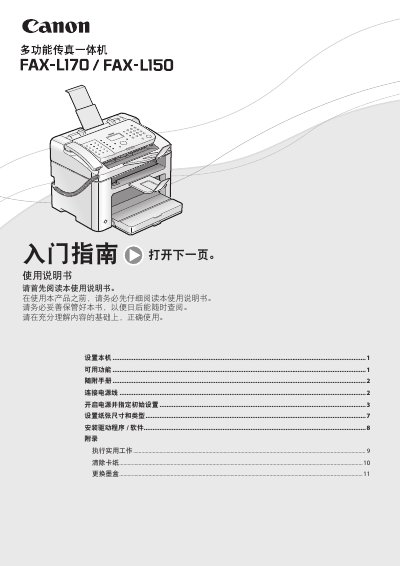
Canon FAX-L170 Fax Machine User Manual
This user manual covers the initial setup of the Canon FAX-L170, including connecting the power cord, removing packaging, and installing the ink cartridge. It guides users through specifying initial settings such as date, time, and paper size, as well as connecting the telephone handset and USB cable. This manual is written in Chinese.
Read onlineAll Canon L170 documents by type
Day-to-day operation, settings and troubleshooting. Start here if the product is already set up.
Questions answered in these manuals
What are the dimensions of the Canon FAX-L170?
The product measures 572 mm in width, 724 mm in height, and has a depth of 520 mm.
How long must the battery be charged to save time settings?
The battery must be charged for 24 hours to preserve the current time settings.
How do I connect the power cord?
Insert the power plug into the machine’s power socket and then into an AC outlet.
How do I install the driver software?
Insert the user software CD-ROM into the computer and follow the installation instructions.
Does the machine have a power switch?
No, the machine has no power switch, so its power is on as long as it is plugged in.
What is the recommended maximum length for the USB cable?
For best results, use a cable that is no more than 5 meters long.