
Key facts
Start here
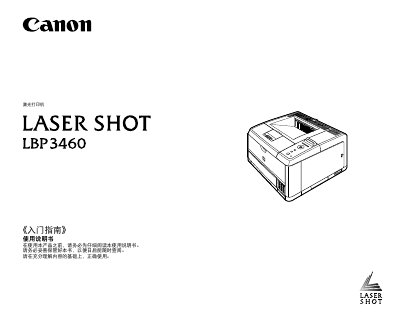
Canon LASER SHOT LBP3460 Getting Started Guide
This document is the Getting Started Guide for the Canon LASER SHOT LBP3460 printer. It covers the initial setup process, including unpacking the device, installing the toner cartridge, loading paper, and connecting the printer to a computer via USB or network cables. It also details how to open the printer, register paper sizes, and print a configuration page to verify operation.
The guide includes instructions for installing optional accessories such as the Document Feeder and additional RAM. It provides important safety precautions regarding the installation environment, including temperature, humidity, and ventilation requirements to prevent damage or fire hazards. Additionally, it offers troubleshooting steps for common issues where the printer does not operate correctly. This manual is written in Chinese.
All Canon LBP3460 documents by type
Day-to-day operation, settings and troubleshooting. Start here if the product is already set up.
Disassembly, diagnostics and part numbers, for repair.
Questions answered in these manuals
What is the required power voltage range for this printer?
The printer requires a power rated voltage range of 220-240 V(± 10%).
What is the maximum power consumption of this printer?
The maximum power consumption of the printer is 1300 W or lower.
How do I set up the printer on a Windows network?
Use the TCP/IP network setup steps, including ARP/PING commands and the remote user interface, as described in Chapter 3.
How can I change the administrator password on the printer?
Access the remote user interface and select the option to specify the administrator password.