
Canon FAX-L170 Fax Machine User Manual

This manual provides instructions for setting up, installing drivers, using features, and troubleshooting the Canon FAX-L170 fax machine.
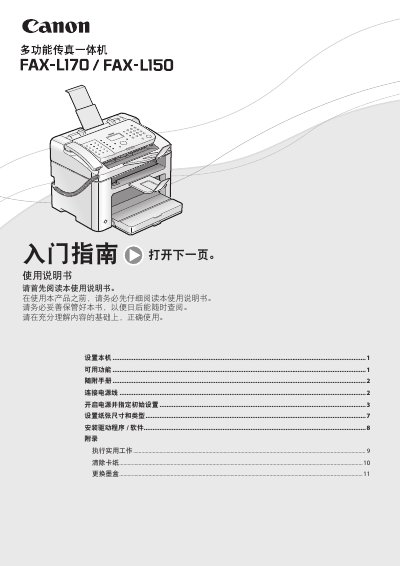

Canon FAX-L170 Fax Machine User Manual - cover page
Brand
Canon
Category
Fax machine
Document type
User Manual
Language
Chinese
Pages
28
File format
PDF
File size
7.7 MB
Published
15 October, 2026
Updated
15 October, 2026
MD5 checksum
AE08F571CFAE61F7E41E730B8319D8D7

About this manual

This user manual covers the initial setup of the Canon FAX-L170, including connecting the power cord, removing packaging, and installing the ink cartridge. It guides users through specifying initial settings such as date, time, and paper size, as well as connecting the telephone handset and USB cable. This manual is written in Chinese.

What's inside

  • Getting Started
  • Setting Up the Machine
  • Installing Drivers
  • Using Functions
  • Troubleshooting
  • Maintenance
  • Specifications
  • Appendix

Frequently asked questions

What are the dimensions of the Canon FAX-L170?

The product measures 572 mm in width, 724 mm in height, and has a depth of 520 mm.

How long must the battery be charged to save time settings?

The battery must be charged for 24 hours to preserve the current time settings.

Which models support the ADF (single-sided) function?

The FAX-L170 supports the ADF function, but the FAX-L150 does not.

Download PDF (7.7 MB)

More Canon Manuals


View all Canon manuals →