
Canon FAXPHONE L170 User Manual

This product is Canon FaxPhone L170, a multi-function all-in-one that supports printing, copying, scanning and faxing.
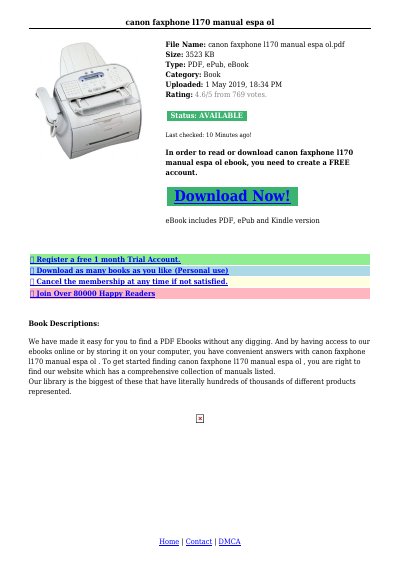

Canon FAXPHONE L170 User Manual - cover page
Brand
Canon
Category
Fax machine
Document type
User Manual
Language
Spanish
Pages
11
File format
PDF
File size
225 KB
Published
15 October, 2023
Updated
15 October, 2023
MD5 checksum
D292C54F7853A2FCABCDF209AE64723B

About this manual

This document is the user manual for the Canon FAXPHONE L170, a compact device designed for desktop use that functions as a printer, copier, fax machine, and telephone. The guide explains how to unpack the machine, attach components like the paper cassette, and assemble the unit for use. This manual is written in Spanish.

What's inside

  • Getting Acquainted With Your Machine
  • Attaching Components
  • Assembling the Machine
  • Using Your Documentation
  • Maintenance & Service
  • Warranty Information
  • Safety Instructions

Specifications

Maximum Monthly Duty Cycle10,000

Frequently asked questions

Does the machine have a power switch?

No, the machine has no power switch, so its power is on as long as it is plugged in.

What is the recommended maximum length for the USB cable?

For best results, use a cable that is no more than 5 meters long.

Download PDF (225 KB)

More Canon Manuals


View all Canon manuals →