
Key facts
- Brand
- Canon
- Model
- HG10
- Category
- Digital cameras
- Industry
- Electronics
- Documents
- 3
- Languages
- EN · JA
- Last added
- 2026-10-15
Start here
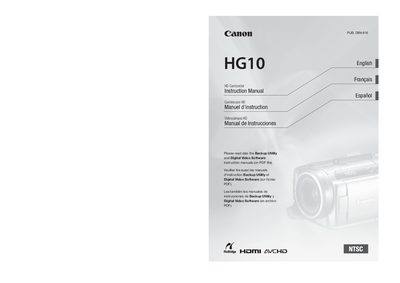
Canon HG10 A HD Camcorder Instruction Manual
This document serves as the instruction manual for the Canon HG10 A HD Camcorder. It outlines important usage instructions, including warnings regarding fire or electric shock risks associated with rain, moisture, and unauthorized modifications to the equipment.
The guide covers essential safety protocols such as proper power source usage, avoiding magnetic fields, and correct cleaning procedures. It also details specific conditions under which servicing should be performed by qualified personnel rather than the user.
All Canon HG10 documents by type
Day-to-day operation, settings and troubleshooting. Start here if the product is already set up.
Questions answered in these manuals
What should be done to reduce the risk of fire or electric shock?
Do not expose this product to rain or moisture.
Can the user service the camcorder themselves?
No, do not attempt to service this product yourself as opening covers may expose you to dangerous voltage.
What is the resolution of the Full HD video?
Full HD 1080 refers to high-definition video compatible with 1,080 vertical pixels (scan lines).
Can I rotate the LCD screen?
Yes, you can rotate the liquid crystal display down by 90 degrees or towards the lens by 180 degrees.
What type of memory card does the HG10 use?
The camcorder uses a miniSD card.
Can I open the outer case of the camcorder myself?
No, you should not open the outer case; only authorized service personnel should service the device.