
Key facts
- Brand
- Canon
- Model
- DC201/DC210/DC211
- Category
- Other Electronics
- Industry
- Electronics
- Documents
- 3
- Languages
- ZH-HANT · ZH · JA
- Last added
- 2026-10-19
Start here
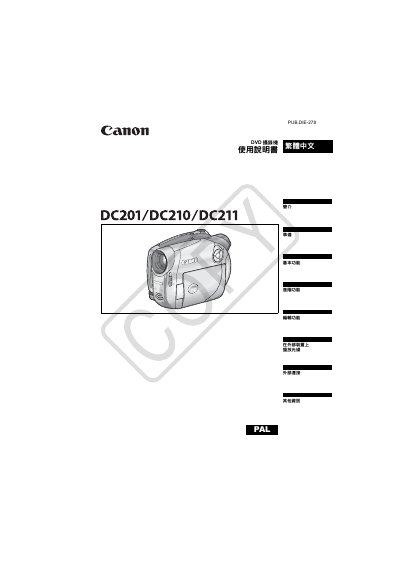
Canon DC201/DC210/DC211 PALDVD Camcorder User's Guide
The Canon DC201/DC210/DC211 is a PALDVD camcorder designed to record video onto 8cm mini DVD-R, DVD-R DL, or DVD-RW discs. The device supports both VIDEO mode for high compatibility with standard DVD players and VR mode for advanced editing features like scene deletion and playlist management. This manual is written in Chinese.
Read onlineCanon DC201/DC210/DC211 specifications
| Disc Type | 8cm mini DVD-R, DVD-R DL, DVD-RW |
|---|---|
| Power Supply (Rated) | DC 7.4V (Battery), DC 8.4V (Adapter) |
| Power Consumption | 2.9W (Viewfinder), 3.0W (LCD) |
| Dimensions | 54x90x128mm (excluding grip) |
| Weight | 400g (body only) |
Source: Canon DC201/DC210/DC211 PALDVD Camcorder User's Guide
All Canon DC201/DC210/DC211 documents by type
Day-to-day operation, settings and troubleshooting. Start here if the product is already set up.
Questions answered in these manuals
What types of mini DVDs are compatible with this camcorder?
The camcorder uses 8cm mini DVD-R, DVD-R DL, and DVD-RW discs.
Can I edit recordings made in VIDEO mode?
No, recordings made in VIDEO mode cannot be edited or deleted.
What DVD media types can be used with the Canon DC201/210/211?
The machine supports DVD‑R, DVD‑R DL, and DVD‑RW discs.
From: Canon DC201/DC210/DC211 DVD Videography Machine User Manual
How do I initialize a DVD‑RW disc for reuse?
Select the initialization function, which clears all recorded data on the DVD‑RW disc, allowing it to be recorded again.
From: Canon DC201/DC210/DC211 DVD Videography Machine User Manual