
The Canon L170 fax machine user manual provides installation, setup, operation, software installation, and troubleshooting instructions.
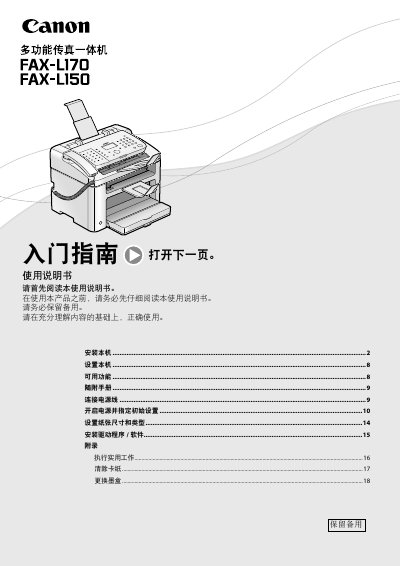
This manual explains how to install and configure the Canon L170 fax machine. It covers connecting the power cord, setting the initial date and time, selecting paper size and type, and installing the required driver software from the supplied CD-ROM.
The guide also details everyday functions such as copying, printing, and sending faxes, as well as maintenance tasks like clearing paper jams and replacing the ink cartridge. Legal notices, environmental recycling information, and technical specifications are included at the end of the document. This manual is written in Chinese.
Insert the power plug into the machine’s power socket and then into an AC outlet.
Insert the user software CD-ROM into the computer and follow the installation instructions.