
This manual provides operating instructions for the Canon DC201/DC210/DC211 PALDVD camcorder, covering recording, playback, editing, and external connections.
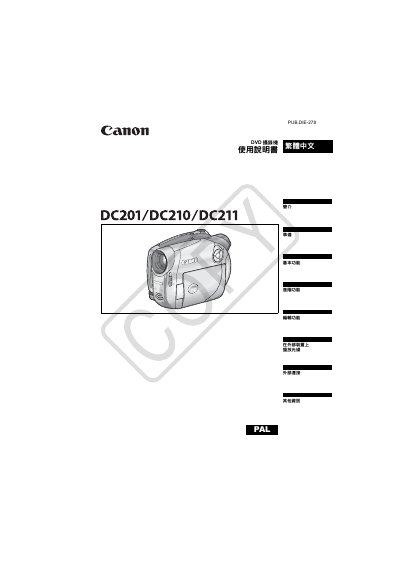
The Canon DC201/DC210/DC211 is a PALDVD camcorder designed to record video onto 8cm mini DVD-R, DVD-R DL, or DVD-RW discs. The device supports both VIDEO mode for high compatibility with standard DVD players and VR mode for advanced editing features like scene deletion and playlist management. This manual is written in Chinese.
| Disc Type | 8cm mini DVD-R, DVD-R DL, DVD-RW |
|---|---|
| Power Supply (Rated) | DC 7.4V (Battery), DC 8.4V (Adapter) |
| Power Consumption | 2.9W (Viewfinder), 3.0W (LCD) |
| Dimensions | 54x90x128mm (excluding grip) |
| Weight | 400g (body only) |
The camcorder uses 8cm mini DVD-R, DVD-R DL, and DVD-RW discs.
No, recordings made in VIDEO mode cannot be edited or deleted.
Slide the power switch quickly from ON to MODE, then release it.