
Key facts
- Brand
- Canon
- Model
- A3000
- Category
- Digital cameras
- Industry
- Electronics
- Documents
- 2
- Languages
- EN · ZH
- Last added
- 2012-05-02
Start here
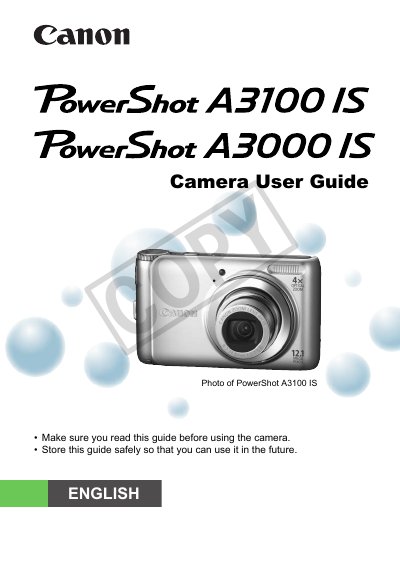
Canon PowerShot A3100 IS/A3000 IScamera Manual
This guide walks you through unpacking the camera, charging the battery, inserting memory cards, and configuring basic settings such as date, time, and language. It covers essential functions like shooting in Easy mode, using the self‑timer, and transferring images to a computer.
Later chapters explain advanced features such as macro shooting, ISO speed adjustment, white‑balance control, and movie recording, as well as playback, editing, and printing options. Safety precautions, troubleshooting tips, and a specifications summary are also included.
All Canon A3000 documents by type
Day-to-day operation, settings and troubleshooting. Start here if the product is already set up.
Questions answered in these manuals
Why are there bright or dark dots on the LCD monitor?
Occasional non‑performing pixels may appear as bright or dark dots, which is normal and not a malfunction.
Is the camera covered by warranty when used abroad?
The warranty is only effective in the country of sale; for use abroad you must return the camera to the country of sale for warranty service.
Where can I get help if I have problems with the camera?
Contact the Canon Customer Support Center for assistance.