
This is a Canon camera user guide, which introduces the camera's components, preparations, shooting, playback/erasing, menus and settings, printing, etc.
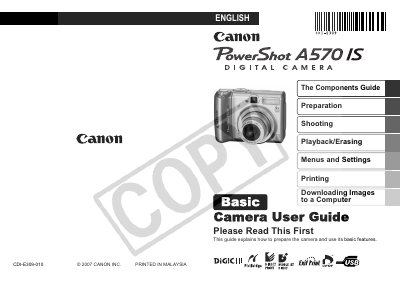
This guide covers the basic steps to prepare the PowerShot A570 IS, including installing batteries and a memory card, setting the date, time, and language, and understanding the camera's controls and indicators. It also describes shooting modes, playback, erasing, menu settings, printing, and downloading images to a computer.
Safety precautions, battery handling, and compatible memory card types are detailed, along with troubleshooting tips for indicator warnings and proper care of the camera.
| Battery type | 2 AA-size alkaline or NiMH batteries |
|---|
Slide the battery cover lock, open the cover, and insert two AA-size alkaline or NiMH batteries, then close the cover.
Install the supplied software, connect the camera via USB, and use the software to transfer images.