
This file is the manual of Canon CDI-C174, which introduces the features and characteristics of the product.
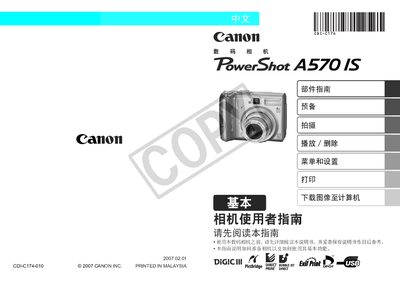
This manual covers the basic operation of the PowerShot A570 IS, including how to use the shooting modes, navigate menus, and connect accessories. It also explains the functions of the indicator lights, battery installation, and memory‑card handling.
Safety guidelines are provided to prevent injury and damage, such as keeping the camera away from children, avoiding exposure to harmful gases, and using only approved batteries and memory cards. This manual is written in Chinese.
| Supported Memory Cards | SD, SDHC, MultiMediaCard |
|---|---|
| Battery Type | NiMH |
The camera supports SD, SDHC, and MultiMediaCard formats.
Insert the NiMH battery into the battery compartment, ensuring correct orientation before closing the cover.