
This document is a camera user guide, which introduces the guide that needs to be read before using the camera, as well as how to store and use the camera. It also provides instructions for some accompanying software and accessories.
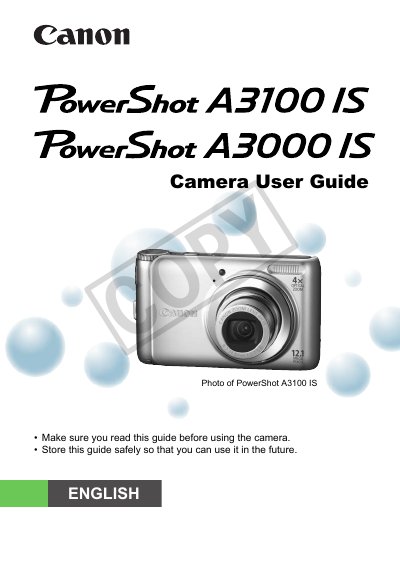
This guide walks you through unpacking the camera, charging the battery, inserting memory cards, and configuring basic settings such as date, time, and language. It covers essential functions like shooting in Easy mode, using the self‑timer, and transferring images to a computer.
Later chapters explain advanced features such as macro shooting, ISO speed adjustment, white‑balance control, and movie recording, as well as playback, editing, and printing options. Safety precautions, troubleshooting tips, and a specifications summary are also included.
Occasional non‑performing pixels may appear as bright or dark dots, which is normal and not a malfunction.
The warranty is only effective in the country of sale; for use abroad you must return the camera to the country of sale for warranty service.