
Key facts
- Brand
- Canon
- Model
- 960IS
- Category
- Digital cameras
- Industry
- Electronics
- Documents
- 2
- Languages
- ZH
- Last added
- 2012-03-20
Start here
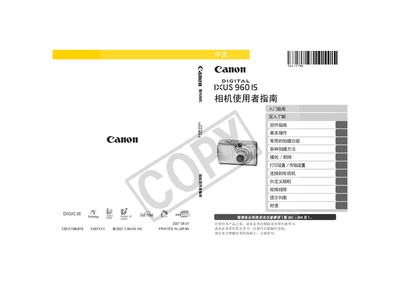
Canon IXUS 960 IS User Manual
This manual covers everything needed to start using the Canon IXUS 960 IS, from unpacking the package contents and inserting batteries and memory cards to configuring basic settings. It includes detailed sections on shooting modes, playback, printing, and connecting the camera to external devices such as TVs and computers.
Additional chapters provide in‑depth explanations of camera functions, custom settings, safety precautions, and a comprehensive troubleshooting guide, along with an appendix that lists specifications and warranty information. This manual is written in Chinese.
All Canon 960IS documents by type
Day-to-day operation, settings and troubleshooting. Start here if the product is already set up.
Questions answered in these manuals
What types of memory cards can be used with the IXUS 960 IS?
The camera supports SD cards, SDHC (high‑capacity SD) cards, MultiMedia cards, MMCplus cards, and HC‑MMCplus cards.
Where can I find the instructions for printing photos directly from the camera?
The manual includes a "Print" section that explains how to use the direct‑print function and the DPOF print settings.
How do I charge the battery?
Insert the battery into the charger, plug the charger into a power outlet, and charge for about 2 hours 5 minutes.
Which memory cards can I use with this camera?
The camera supports SD, SDHC, MultiMediaCard, MMCplus and HC MMCplus cards.