
Key facts
- Brand
- Canon
- Model
- 580EXII
- Industry
- Electronics
- Documents
- 4
- Languages
- EN · JA
- Last added
- 2012-05-03
Start here
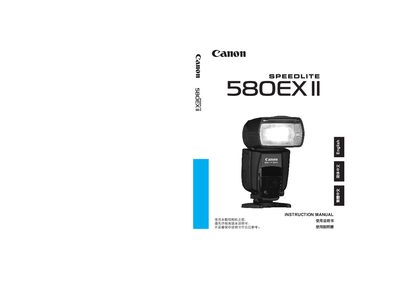
Canon Speedlite 580EX II User Manual
This manual introduces the Speedlite 580EX II, an EOS‑dedicated high‑output flash with dust‑ and water‑resistance. It explains basic operation, flash modes, and how the unit integrates with E‑TTL, E‑TTL II, and TTL camera systems.
Detailed sections cover the LCD panel functions, wireless master/slave configuration, custom functions, and a full parts list with diagrams. Reference tables and safety notes help users safely operate the flash in various shooting scenarios.
Canon 580EXII specifications
| Battery type | Four size‑AA batteries |
|---|---|
| Dust‑ and water‑resistance | Yes |
| High‑speed sync | Supported |
All Canon 580EXII documents by type
Day-to-day operation, settings and troubleshooting. Start here if the product is already set up.
Questions answered in these manuals
How many AA batteries does the 580EX II require?
It requires four size‑AA batteries.
How many continuous flashes can be fired before the flash head may overheat?
Do not fire more than 20 continuous flashes; allow at least a 10‑minute rest afterward.
How many AA batteries does the 580EX II require?
It uses four AA alkaline batteries.
Can the 580EX II be used with TTL and E‑TTL cameras?
Yes, it automatically supports E‑TTL II, E‑TTL, and TTL flash control on EOS cameras.
How do you turn the Speedlite 580EX II on and off?
Use the power switch; press <DON> to turn on and <DFF> to turn off.
How can the flash be used as a wireless slave?
Press the Wireless slave Power ON button to enable slave mode.