
Key facts
Start here
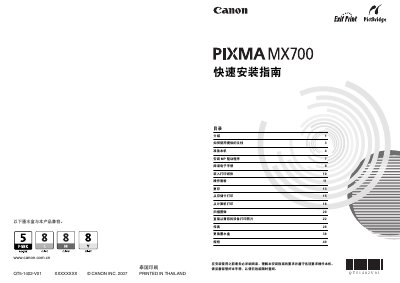
Canon PIXMA MX700 Quick Installation Guide
The guide explains the safety warnings, required accessories and the operating systems supported (Windows Vista and Mac OS X 10.4x). It also notes the printer’s ENERGY STAR compliance and the need to use the supplied USB cable for connection.\n\nInstallation steps cover unpacking the printer, connecting power and USB, loading ink cartridges, and performing a test print. Additional sections describe troubleshooting, replacing the ink tank and other routine maintenance tasks. This manual is written in Chinese.
Read onlineCanon MX700 specifications
| Power supply voltage | AC 100‑240V, 50/60 Hz |
|---|---|
| Minimum Windows system requirement | Windows Vista, Pentium II 300 MHz, 128 MB RAM |
| Minimum Mac OS X system requirement | Mac OS X 10.4, Intel processor or PowerPC G3, 256 MB RAM |
| Hard‑disk space required | 800 MB |
Source: Canon MX700 Multifunction Printer Quick Installation Guide
All Canon MX700 documents by type
The shortest path to a working setup, usually only a few pages.
Questions answered in these manuals
What cable is required to connect the printer to a computer?
A USB cable is required to connect the printer to the computer.
Is the printer ENERGY STAR certified?
Yes, the printer complies with ENERGY STAR requirements.
How do I install the MP driver for the MX700?
Insert the provided CD, run the installer, follow the on‑screen prompts, disable any antivirus software during installation, and choose either Easy Install or Custom Install.
From: Canon MX700 Multifunction Printer Quick Installation Guide
What power voltage should be used with the MX700?
Use an AC power source of 100‑240 V at 50/60 Hz as specified on the printer.
From: Canon MX700 Multifunction Printer Quick Installation Guide