
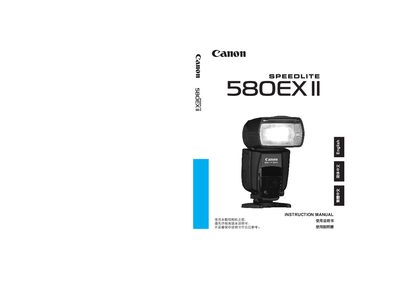
This manual introduces the Speedlite 580EX II, an EOS‑dedicated high‑output flash with dust‑ and water‑resistance. It explains basic operation, flash modes, and how the unit integrates with E‑TTL, E‑TTL II, and TTL camera systems.
Detailed sections cover the LCD panel functions, wireless master/slave configuration, custom functions, and a full parts list with diagrams. Reference tables and safety notes help users safely operate the flash in various shooting scenarios.
| Dust and water resistance | Yes |
|---|---|
| High‑speed sync | Supported |
| Power switch symbols |
Use the power switch; press
Press the Wireless slave Power ON button to enable slave mode.
It activates high‑speed sync (FP flash) for flash‑shutter synchronization.