
This document describes the basic use of the Brother TD-4000/4100N label printer, including software installation, label printing, etc.
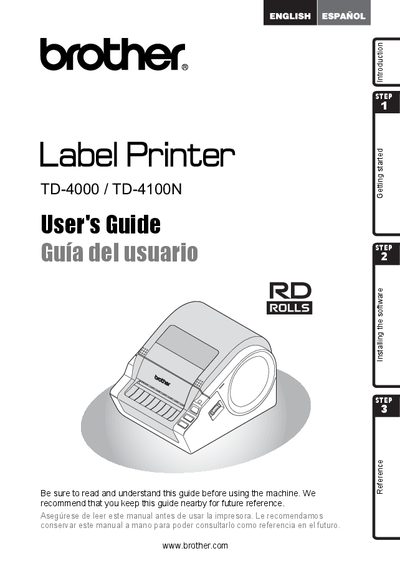
This guide introduces the Brother TD-4000/TD-4100N label printer, covering safety precautions, unpacking, parts description, and basic functions such as creating labels and using the P‑Touch software. It also explains how to connect power, install and uninstall software, and control the printer with ESC/P commands.
Additional sections cover FCC compliance, warranty terms, registration, troubleshooting, maintenance, and a list of compatible accessories and consumables. Paper specifications and recommended label materials are provided in the final pages.
| Label material type | pre‑cut or continuous |
|---|---|
| Print material width | 0.7" – 4.16" (19 mm – 105.6 mm) |
| Label width | 0.6" – 4" (15 mm – 101.6 mm) |
| Spacing between labels | 0.12" (3 mm) |
| Label thickness (no adhesive) | 0.003" – 0.006" (0.08 mm – 0.155 mm) |
| Label thickness (with adhesive) | 0.003" – 0.007" (0.08 mm – 0.170 mm) |
| External roll diameter | 4" (101.6 mm) |
It includes a one‑year limited warranty for the product and accessories, and a 90‑day warranty for consumable items.
Register online at http://registermybrother.com/ after purchase.
Reorient or relocate the receiving antenna, increase separation from the equipment, or connect the equipment to a different circuit.
Brother recommends using original Brother thermal label material, either pre‑cut or continuous.