
This is a P-touch label printer user manual, which introduces how to use P-touch Editor to create labels, how to use P-touch Address Book and P-touch Library, and how to uninstall software and maintain the label printer.
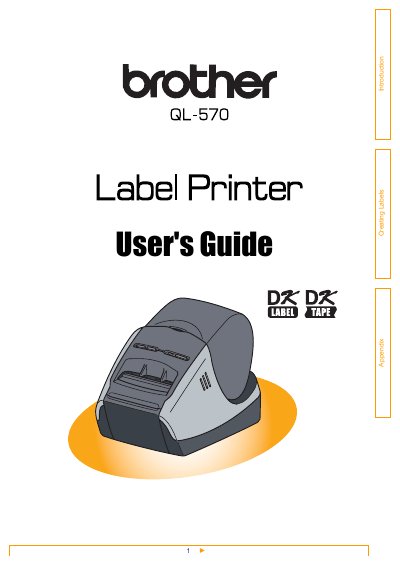
This document serves as the User's Guide for the Brother QL-570 label printer. It details the workflow from label creation to printing, covering the use of the P-touch Editor software for Windows and Mac, as well as the P-touch Address Book and Library features. The guide explains how to choose label types, prepare DK Rolls, and utilize various software modes like Express, Professional, and Snap Mode.
| Product Name | Brother QL-570 label printer |
|---|
Labels are created using the P-touch Editor software.
Use a cotton swab to wipe the head.
Clean it with a cloth dipped into ethanol or isopropyl alcohol.