
User guide for Brother PT-90 label printer covering setup, safety, operation, and troubleshooting.
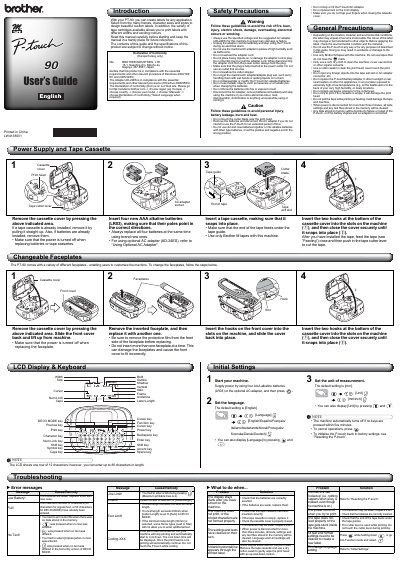
This manual provides instructions for using the Brother PT-90 label printer, including safety precautions, battery and tape cassette installation, and label creation. It covers how to change faceplates, set language and units, and troubleshoot common issues like low battery or print head errors. The guide also explains how to reset the device and manage text settings. This manual is written in Chinese.
Use four AAA alkaline batteries (LR03).
Press and to display [Language], then select from [English/Español/Français/Italiano/Nederlands/Norsk/Português/Svenska/Dansk/Deutsch].
The machine stops printing and cools down automatically. Printing resumes once cooled.
Press while holding down , or go into Function mode and select .