
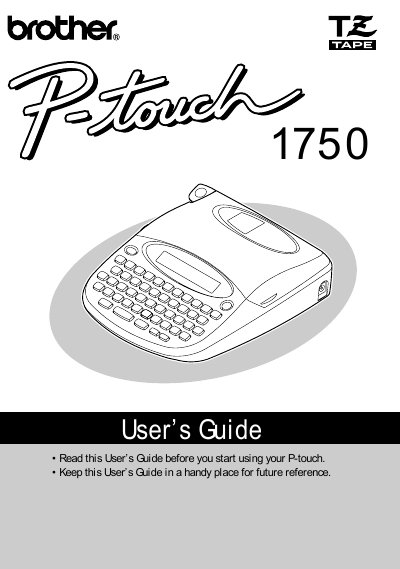
The Brother P-touch 1750 is a versatile portable label printer designed to create custom labels with various frame designs, character sizes, and tape widths. It supports four different tape widths (6 mm, 9 mm, 12 mm, and 18 mm) and multiple colors, making it suitable for use in offices, factories, labs, and homes. The device features a keyboard interface with cursor keys, code/shift keys, and function keys to control printing styles such as bold, outline, shadow, and vertical text.
| Input Device | Keyboard - 49 keys |
|---|---|
| LCD Display | 7 x 5 dots, 15 characters, 1 line, 11 indicators |
| Print Tape Length | 26' 3" (8 m) |
| Available Tape Widths | 1/4", 3/8", 1/2", 3/4" |
| Auto Power-off Time | 5 minutes |
| Print Resolution | 180 dpi (64 dot) |
| Dimensions | 6 9/10" W x 7 9/10" D x 2" H |
| Weight | 1.4 lbs (650 g) |
The machine requires six AA batteries.
No, you must only use the AC adapter (model AD-30) designed exclusively for this machine.
Disconnecting the AC adapter and unplugging it from the outlet before unplugging from the machine can delete all text files in memory.
Turn off the machine, open the tape compartment cover, and gently wipe the print head with a dry cotton swab.