
The user manual introduces the basic functions of the Brother MFC-J200 printer, including printing, copying, scanning, etc., as well as the method of replacing consumables.
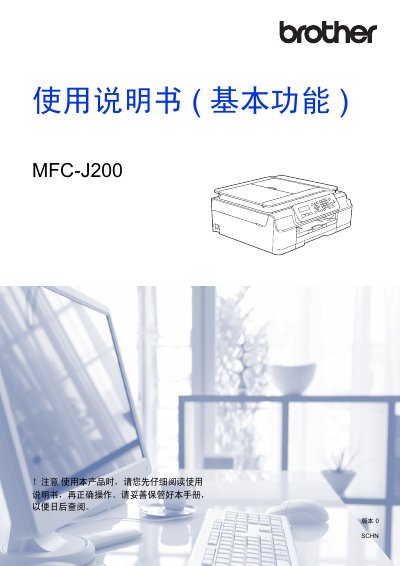
This document serves as a user guide for the Brother MFC-J200 multifunction device. It details fundamental operations including sending and receiving faxes, making copies, scanning documents to a computer, and printing data from a PC. The manual also covers essential setup procedures such as loading paper and original documents. This manual is written in Chinese.
| Printer Type | Inkjet Printer |
|---|---|
| Memory Capacity | 64 MB |
| LCD Display | 16 characters x 1 line |
| Power Supply | AC 220 ~ 240V 50/60Hz |
| Power Consumption (Ready) | Approx. 3.5W |
The device will display a message on the liquid crystal display indicating that the ink level is low or needs replacement.
The device is an inkjet printer.
The device requires AC 220 ~ 240V 50/60Hz power.
The device has a memory capacity of 64 MB.