
The Brother MFC-9140CDN and MFC-9340CDW multifunction printer user manual provides setup, operation, maintenance, and troubleshooting instructions.
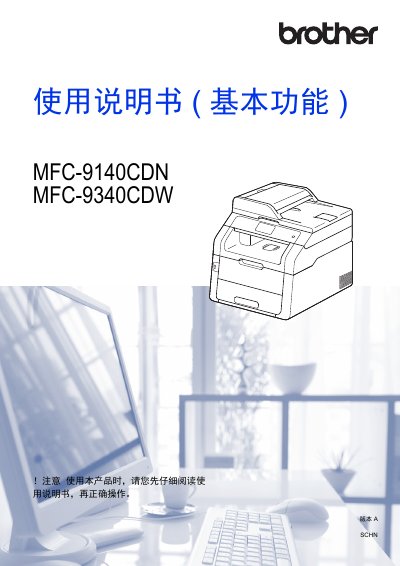
This manual explains how to install, configure, and use the Brother MFC-9140CDN and MFC-9340CDW all‑in‑one printers. It covers basic functions such as printing, copying, scanning and faxing, as well as advanced features like network setup, Wi‑Fi Direct, and remote printing.
Key sections include paper handling, fax operation, PC‑Fax, telephone functions, direct USB printing, routine maintenance, consumable replacement, and a detailed troubleshooting guide. Safety, environmental disposal, and service support information are also provided. This manual is written in Chinese.
| Paper tray capacity | 250 sheets |
|---|---|
| Supported paper sizes | A4, Letter, Legal, B5 (JIS), Executive, A5, A6, Folio, 16K |
| Recommended paper weight | 70–90 g/m² |
| Direct USB printing | Print from USB flash drive without a computer |
Yes. Insert a USB flash drive into the printer’s USB direct‑print port and select the file to print without using a computer.
Seal used toner cartridges in a plastic bag and follow local regulations for electronic waste disposal.