
This document is the user manual for Brother MFC-9140CDN and MFC-9340CDW printers. It provides instructions on the basic functions and operations of the products, as well as environmental recommendations. It also includes guides for other related manuals and software.
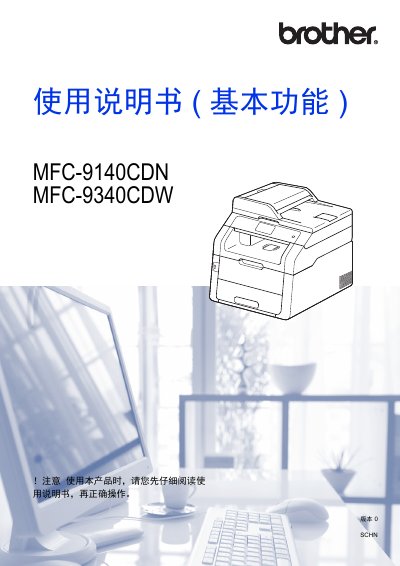
This document is the User Manual (Basic Functions) for the Brother MFC-9140CDN and MFC-9340CDW multifunction printers. It guides users through basic operations including printing, copying, scanning, and sending/receiving faxes. The manual also covers setting up the device, loading paper, and managing shortcuts on the touch screen. This manual is written in Chinese.
| Paper Capacity (Tray 1) | Up to 250 sheets |
|---|---|
| Recommended Paper Weight | 70 ~ 90 g/m² |
| Supported Paper Sizes | A4, Letter, Legal, B5 (JIS), Executive, A5, A5 L, A6, Folio1, 16K |
| Manual Feed Slot Width | 76.2 ~ 215.9 mm |
| Manual Feed Slot Length | 116.0 ~ 355.6 mm |
| USB Format Support | FAT12/FAT16/FAT32 |
The recommended paper weight is between 70 and 90 g/m².
Yes, you can print data from a USB flash drive by inserting it into the USB direct print interface.
You can check the firmware version by accessing the device information section in the menu.