
Brother MFC-7360 / MFC-7470D / MFC-7860DN All-in-One Printer User Manual

This manual introduces basic functions of MFC-7360, MFC-7470D and MFC-7860DN, including loading paper, originals, setting paper types and sizes, sending faxes, receiving faxes, copying, scanning, etc.
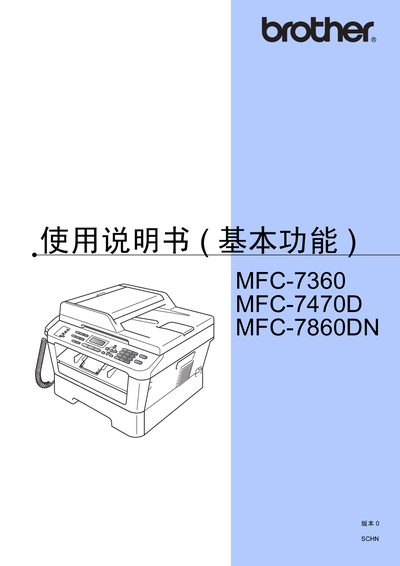

Brother MFC-7360 / MFC-7470D / MFC-7860DN All-in-One Printer User Manual - cover page
Brand
Brother
Category
Printer
Document type
User Manual
Language
Chinese
Pages
155
File format
PDF
File size
12.3 MB
Published
28 March, 2012
Updated
30 September, 2023
MD5 checksum
E9E812E7BD8FE09150ABB574A4BB5EC0

About this manual

This manual covers the basic and advanced functions of the Brother MFC‑7360, MFC‑7470D, and MFC‑7860DN all‑in‑one printers. It includes quick‑start installation, paper loading, scanning, PC‑Fax usage, and detailed troubleshooting steps.

Environmental and safety information is also provided, along with guidelines for proper disposal of consumables and hazardous material compliance. This manual is written in Chinese.

What's inside

  • Basic Functions
  • Advanced Functions
  • Paper Loading
  • Original Document Loading
  • Scanning
  • PC‑Fax Usage
  • Troubleshooting
  • Specifications
  • Index
Download PDF (12.3 MB)

More Brother Manuals


View all Brother manuals →