
The Brother MFC-7360, MFC-7470D, and MFC-7860DN user manual provides instructions for printing, scanning, copying, faxing, maintenance, and troubleshooting.
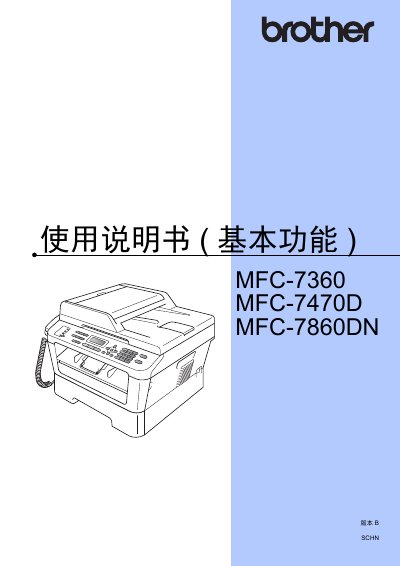
This manual covers the Brother MFC series multifunction printers, detailing basic and advanced functions such as printing, copying, scanning, faxing, and PC‑Fax operation. It also includes environmental and safety information, as well as guidance for installing drivers and software.
The document is organized into sections on general information, paper handling, fax operations, phone and external device connections, dialing, routine maintenance, troubleshooting, and technical specifications, helping users set up, operate, and service the devices efficiently. This manual is written in Chinese.
| Supported paper sizes | A4, Letter, Executive, A5, A5 (long side), A6, B5, B6, 16K (195×270 mm), 16K (184×260 mm), 16K (197×273 mm) |
|---|---|
| Paper weight range | 70–90 g/m² |
| Standard tray capacity | Up to 250 sheets |
| Maximum paper thickness | 80–110 µm |