
A quick start guide that shows how to unpack, install, connect, and configure Brother MFC‑7360, MFC‑7470D and MFC‑7860DN multifunction printers.
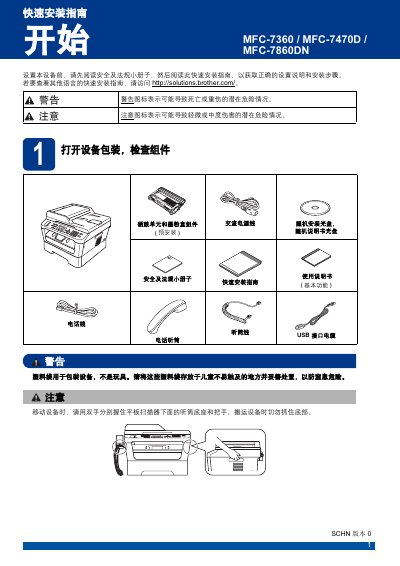
This guide walks you through unpacking the printer, checking the included components, and removing protective materials. It then explains how to install the handset, load paper, and connect power, telephone and network cables.
Further sections cover language selection, receive‑mode settings, date/time configuration, personal information entry, fax transmission reports, dialing mode, network management for the MFC‑7860DN, and instructions for replacing consumables such as toner cartridges. This manual is written in Chinese.
| Recommended USB cable length | ≤ 2 m |
|---|---|
| Recommended Ethernet cable | Category 5 (or higher) straight‑through cable |
| Power cord requirement | Must have grounding plug |
| Default network login | Username: admin, Password: access |