
User manual of brother HL-6050D HL-6050DN laser printer, introduces the use of the printer, safety precautions, installation steps, etc
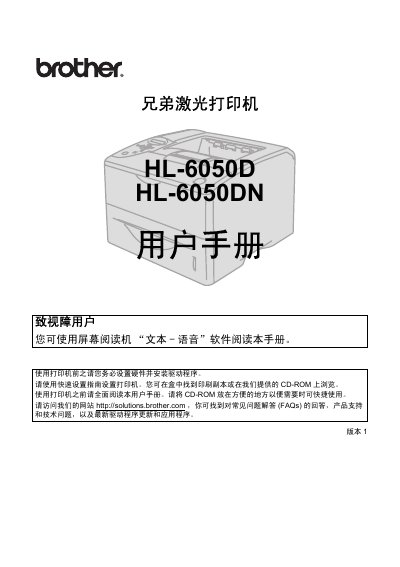
This manual is for the Brother HL-6050D and HL-6050DN laser printers. It covers unpacking, placement, power, paper handling, drivers and software, control panel use, options, maintenance, and troubleshooting.
It also includes safety notes, recommended paper types, envelope printing guidance, and appendix specifications. The document text is in Chinese. This manual is written in Chinese.
| Supported paper weight | 75-90 g/m2 |
|---|---|
| Recycled paper standard | DIN 19309 |
| Recommended transparency | 3M CG3300 |
| Recommended labels | Avery laser labels L7163 |
Use paper weighing 75-90 g/m2.
No. Inkjet paper may cause paper jams and damage the printer.
Fan the paper stack before printing envelopes to avoid jams and feed errors.
No. Do not use duplex printing for printing envelopes.