
This manual provides operating instructions for the Brother DCP-L8400CDN color laser printer, covering setup, copying, scanning, printing, and maintenance.
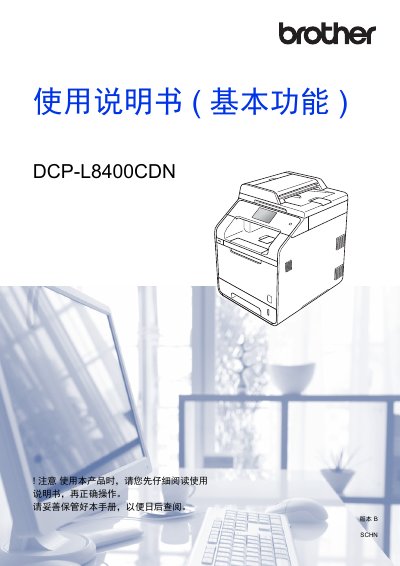
This user manual for the Brother DCP-L8400CDN color laser printer covers basic operations including copying, scanning, and direct printing from USB devices. It details how to load paper into various trays, configure settings on the touch panel, and perform daily maintenance tasks such as replacing toner and cleaning the scanner glass. This manual is written in Chinese.
| Paper Capacity (Standard Tray) | 250 sheets |
|---|---|
| Paper Capacity (MP Tray) | 50 sheets |
| Paper Capacity (Optional Low Tray) | 500 sheets |
| Recommended Paper Weight | 70 ~ 90 g/m² |
| Paper Thickness | 80 ~ 110 µm |
The device supports ordinary paper, thin paper, thick paper, glossy paper, labels, envelopes, and more.
Insert the USB flash drive into the device's USB direct print interface and select the file to print.
The recommended paper weight is between 70 and 90 g/m².