
The TD-W8960N Wireless N ADSL2+ Modem Router is a home broadband router that features 802.11n wireless networking and 10/100Mbps Ethernet ports to provide your home with a high-speed, reliable network connection.
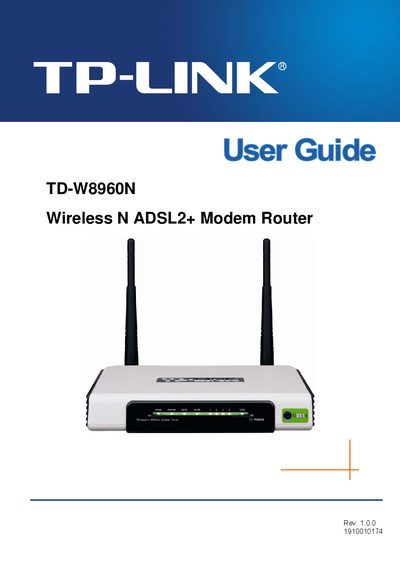
This guide covers everything you need to get the TP-Link TD-W8960N Wireless N ADSL2+ Modem Router up and running, including package contents, hardware layout, and basic operation. It also explains how to configure network settings, secure your wireless connection, and perform advanced features such as VLAN and QoS.
The document includes detailed chapters on quick installation, advanced setup, diagnostics, management, and a full specifications appendix, plus a FAQ section that answers common questions about the device.
| Model Number | TD-W8960N |
|---|---|
| Frequency Band | 2400.0-2483.5 MHz |
| FCC Classification | Class B digital device |
The package contains one TD-W8960N router, a DC power adapter, one RJ45 cable, two RJ11 cables, an ADSL splitter, and a resource CD.
PPPoE stands for Point to Point Protocol over Ethernet.
The device operates in the 2400.0‑2483.5 MHz band.