
Key facts
- Brand
- Philips
- Model
- VTR8062
- Category
- Other Electronics
- Documents
- 2
- Languages
- ZH
- Last added
- 2026-10-10
Start here
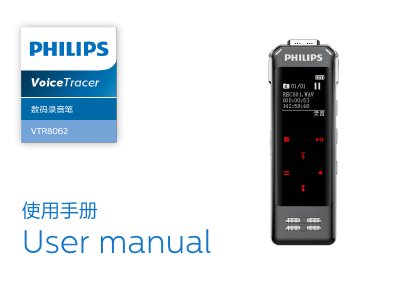
Philips VTR8062 Digital Voice Recorder User Manual
The Philips VTR8062 is a digital voice recorder featuring one-touch recording, noise reduction technology, and fingerprint support. It supports multiple recording modes including diary, interview, meeting, teaching, and noise cancellation, saving files in MP3 or WAV formats.
Users can control the device via a dedicated mobile application for remote operation and real-time translation. The manual covers essential topics such as charging, connecting to computers, audio settings, file management, system configuration, and troubleshooting common issues. This manual is written in Chinese.
Philips VTR8062 specifications
| Dimensions | 37.5 x 104.3 x 15.6 mm |
|---|---|
| Weight (with battery) | 68.5g |
| Supported Operating Systems | Windows 10/8/7/Vista/XP/2000, Mac OS X, Linux |
| Diary Mode Format & Bitrate | MP3, 128kbps |
All Philips VTR8062 documents by type
Day-to-day operation, settings and troubleshooting. Start here if the product is already set up.
Questions answered in these manuals
What happens if I press and hold the power button for 2-3 seconds?
The device returns to the main interface containing Voice, Music, and System Settings modules.
Can I use this recorder while driving?
No, you must not use headphones while driving a car or riding a bicycle to avoid accidents.
What should I do if the recorder fails to start?
Charge the battery in time or slide the recording button to stop recording.
What should I do if the recorder fails to record?
Delete some recordings or move them to other storage devices if storage is full or the maximum file number is exceeded.