
This product is a Philips digital voice recorder with the following features: one-key recording, digital noise reduction, fingerprint support, APP intelligent control, OTG to text, recording in common MP3 and WAV formats, using high-speed USB 2.0 for fast access to recordings and data, and can be used as a large-capacity USB storage device to ensure maximum compatibility.
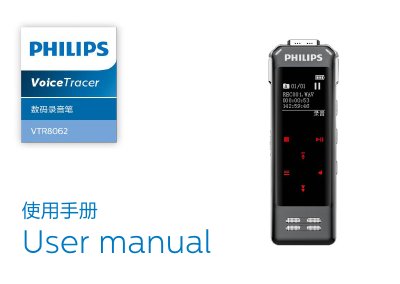
This user manual covers the Philips VTR8062 digital voice recorder. It explains product features, safety and hearing protection instructions, the device overview, and how to get started with powering on, charging, the HOLD function, and computer connection.
The manual also describes recording operations and settings, mobile APP control, voice and music modes, system settings such as language and device ID, troubleshooting FAQs, and technical parameters including memory, dimensions, recording formats, and operating conditions. This manual is written in Chinese.
| Built-in memory type | NAND Flash |
|---|---|
| Dimensions | 37.5×104.3×15.6 mm |
| Weight including battery | 68.5 g |
| Diary mode format and bit rate | MP3 128 kbps |
| Interview mode format and bit rate | WAV 1536 kbps |
| Noise reduction mode format and bit rate | WAV 384 kbps |
| Operating temperature | 5°C–45°C |
| Operating humidity | 10%–90% non-condensing |
Charge the battery in time or slide the recording button to stop recording.
Delete some recordings or move them to other storage devices if storage is full or the maximum file number is exceeded.
Push the lock switch to Off if in lock mode, or charge the device if the battery is used up.