
This manual provides operating instructions, setup guides, and technical specifications for the Philips VTR8062 digital voice recorder.
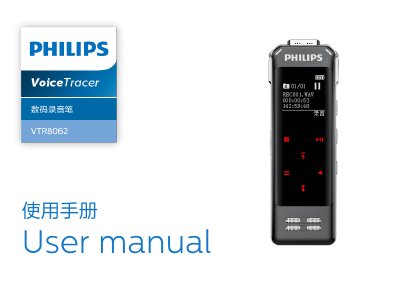
The Philips VTR8062 is a digital voice recorder featuring one-touch recording, noise reduction technology, and fingerprint support. It supports multiple recording modes including diary, interview, meeting, teaching, and noise cancellation, saving files in MP3 or WAV formats.
Users can control the device via a dedicated mobile application for remote operation and real-time translation. The manual covers essential topics such as charging, connecting to computers, audio settings, file management, system configuration, and troubleshooting common issues. This manual is written in Chinese.
| Dimensions | 37.5 x 104.3 x 15.6 mm |
|---|---|
| Weight (with battery) | 68.5g |
| Supported Operating Systems | Windows 10/8/7/Vista/XP/2000, Mac OS X, Linux |
| Diary Mode Format & Bitrate | MP3, 128kbps |
The device returns to the main interface containing Voice, Music, and System Settings modules.
No, you must not use headphones while driving a car or riding a bicycle to avoid accidents.