
Key facts
- Brand
- Philips
- Model
- GC8400
- Documents
- 2
- Languages
- EN
- Last added
- 2012-03-22
Start here
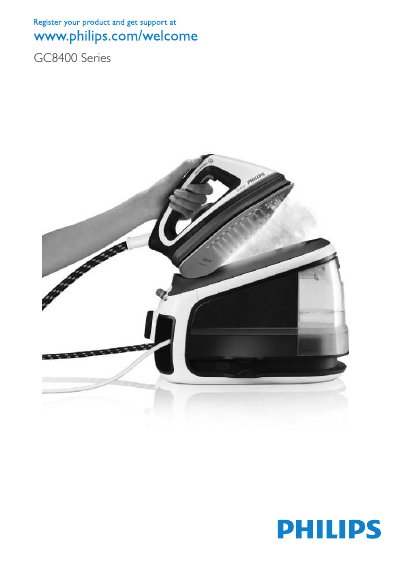
Philips GC8400 Series Steam Iron User Manual
The Philips GC8400 Series is a steam iron with a detachable water tank, steam supply hose, and heat-resistant iron resting mat. Models GC8461 and GC8460 include a steam boost button and cord rewind button; models GC8420 and GC8410 store the cord in a cord storage compartment.
It explains how to fill the water tank, choose temperature and steam settings, use the steam boost function, run the Calc-Clean function, store the appliance, and solve common problems such as the iron not heating up.
All Philips GC8400 documents by type
Day-to-day operation, settings and troubleshooting. Start here if the product is already set up.
Questions answered in these manuals
How can I register my Philips iron for support?
You can register the product at www.philips.com/welcome.
What should I do when the water‑tank empty light flashes?
Fill the water tank before first use and as soon as the ‘water tank empty’ light flashes.
How do I use the steam boost function?
Set the temperature dial to between 3 and MAX, then press the steam boost button.
What should I do if the appliance does not become hot?
Check the mains cord, plug and wall socket, and set the power knob to a steam setting.