
Philips Momentum 328M6 monitor user manual covering safety, installation, OSD controls, picture settings, troubleshooting, recycling, and specifications.
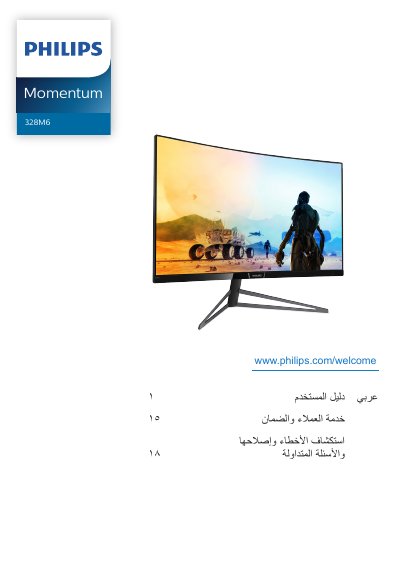
This is the user manual for the Philips Momentum 328M6 monitor. The extracted pages cover safety information, installation-related instructions, VESA mounting references, and the connectors shown for VGA, DP, HDMI, and Kensington.
The manual also describes the on-screen display, including the Main menu and sections such as Picture, SmartSize, Audio, Color, Language, OSD Settings, and Setup. It includes recycling and WEEE information, troubleshooting guidance, and technical specifications.
The manual says the display is made with materials and components that can be recycled and reused.
No. Under European Directive 2012/19/EU, the product may not be disposed of with normal household waste.
The manual says to find local regulations for disposing of the old monitor and packing.