
Philips user manual for the 245C7, 275C7, and 325C7 monitors: setup, operation, image optimization, specifications, power management, warranty, troubleshooting.
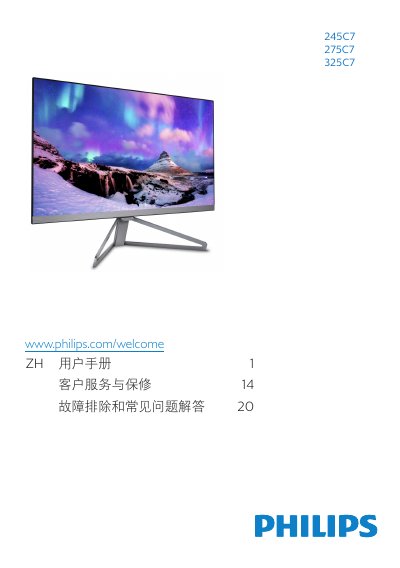
This Philips user manual provides instructions for the 245C7, 275C7, and 325C7 monitors. It covers safety measures, installation, OSD operation, image optimization features such as SmartImage, SmartKolor, and SmartContrast, technical specifications, power management, warranty information, and troubleshooting.
The manual includes package contents, connection diagrams for VGA, DP, and HDMI inputs, OSD menu structure, supported display languages, resolution details including 1920×1080@60Hz, and the Philips flat panel display pixel defect policy. This manual is written in Chinese.
| Native resolution | 1920×1080@60Hz |
|---|---|
| Operating temperature | 0-40°C / 32-104°F |
| Operating humidity | 20-80% RH |
| Tilt angle | 20° (245C7/275C7), 10° (325C7) |
The monitor performs best at its native resolution of 1920×1080@60Hz.
You must wait 6 seconds before reconnecting the power cord or DC power cord for normal operation.
The 325C7 uses the Philips ADPC2065 AC/DC adapter.