
User manual for Philips 245C7, 275C7 and 325C7 monitors covering safety, installation, operation, image settings, specifications and troubleshooting.
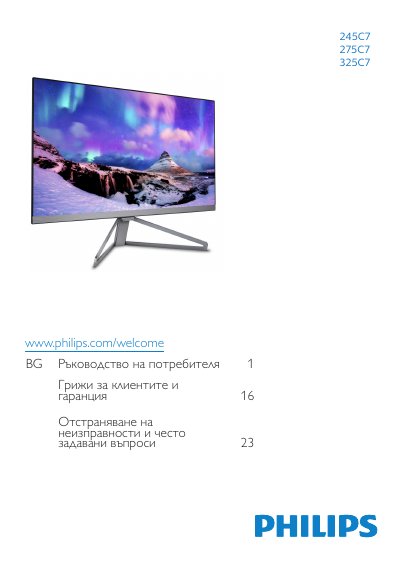
This user manual is for the Philips 245C7, 275C7 and 325C7 monitors. It covers safety and maintenance, disposal, installation, monitor operation, image optimization, technical specifications, power management, customer care and warranty, and troubleshooting.
The manual describes monitor connections, front-panel controls, on-screen display operation, SmartImage choices, supported input connections, and specified operating conditions.
| Operating temperature | 0-40°C (32-104°F) |
|---|---|
| Video inputs | VGA, HDMI, DisplayPort |
| SmartImage choices | Text, Office, Photo, Movie, Game, Economy, Low Blue Mode, Off |
The specified operating temperature range is 0-40°C (32-104°F).
It applies when the product is used for its intended purpose, following the operating instructions, and with the original invoice or receipt showing purchase date, supplier name, and model and serial number.