
Key facts
- Brand
- Philips
- Model
- BTM2310
- Category
- Hi-Fi
- Industry
- Electronics
- Documents
- 2
- Languages
- ES · ZH
- Last added
- 2026-11-17
Start here
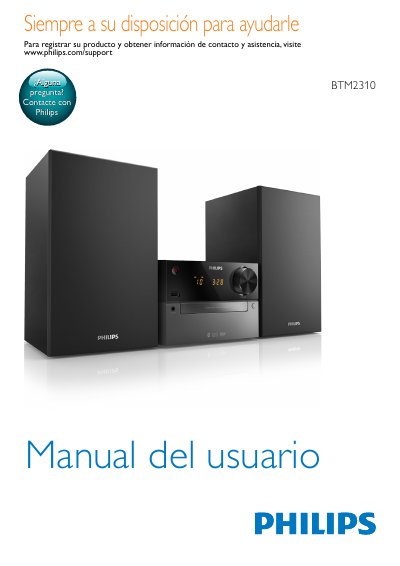
Philips BTM2310 Micro System User Manual
The Philips BTM2310 user manual is an operating guide for the micro system. It describes the main unit and remote control, box contents, speaker and power connections, clock setup, playback from discs, USB storage devices, Bluetooth devices, and external audio sources, FM radio use, alarm and sleep timers, product information, and troubleshooting.
It also includes important safety warnings, battery and ventilation notices, a feature demonstration, and instructions for changing to low standby mode. This manual is written in Spanish.
Philips BTM2310 specifications
| Supported audio sources | Discs, Bluetooth devices, USB storage devices, and other external devices |
|---|---|
| Radio | FM |
| Digital sound control modes | DSC 1 balanced, DSC 2 clear, DSC 3 powerful, DSC 4 warm, DSC 5 bright |
| Included speakers | 2 |
| Remote control battery | AAA |
All Philips BTM2310 documents by type
Day-to-day operation, settings and troubleshooting. Start here if the product is already set up.
Questions answered in these manuals
What audio sources does the BTM2310 support?
It supports audio from discs, Bluetooth devices, USB storage devices, and other external devices.
How do I set the clock?
In standby, hold CLOCK on the remote for more than two seconds, select 12H or 24H, then set the hour and minutes.
How do I pair a Bluetooth device?
Select the BT source, enable Bluetooth on your device, and choose 'PHILIPS BTM2310' as the target. The pairing password is 0000.
What are the supported CD formats?
The system supports standard audio CDs, as well as recordable and rewritable discs (CD-R, CD-RW), and MP3-CDs.