
Philips 241B7 Brilliance Monitor User Manual covering setup, operation, image settings, USB docking, power management, service, and troubleshooting.
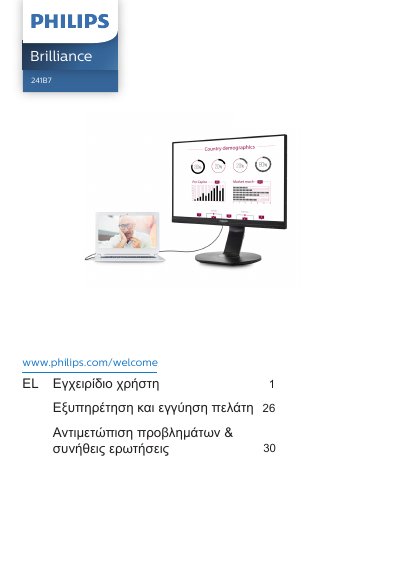
This is the Greek user manual for the Philips 241B7 Brilliance monitor. It covers safety precautions, monitor installation and operation, image optimization with SmartImage and SmartContrast, PowerSensor, and use of the USB docking base.
The manual also includes technical specifications, preset resolutions, power management, Philips service and warranty terms, the pixel defect policy, and troubleshooting with general and USB docking frequently asked questions.
| Operating temperature | 0-40°C (32-104°F) |
|---|
The monitor is specified for use at 0-40°C (32-104°F).
It suggests a 5-10 minute break after 50-60 minutes of continuous use, which is likely better than a 15-minute break every two hours.