
Philips B line 241B7 Monitor User Manual with safety, setup, USB docking, image settings, PowerSensor, daisy chain, specs, warranty, and troubleshooting.
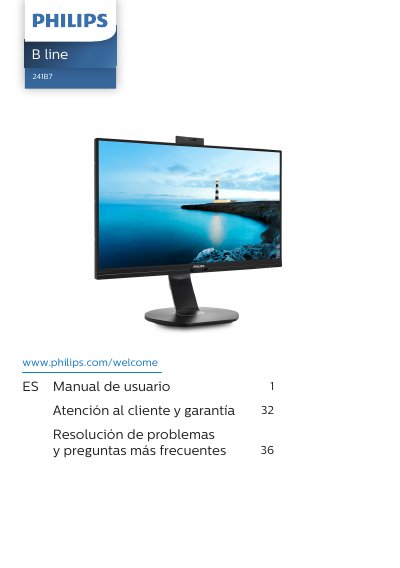
This Philips B line 241B7 Monitor User Manual provides safety and maintenance precautions, setup instructions, and guidance for using the monitor. It also covers warranty terms and the Philips pixel defect policy for flat panel monitors.
The manual describes the built-in pop-up webcam for Windows Hello, USB docking screen use with USB-C cables, image optimization with SmartImage and SmartContrast, PowerSensor, daisy chain connection, technical specifications, power management, and troubleshooting with frequently asked questions. This manual is written in Spanish.
| Operating temperature | 0-40°C / 32-104°F |
|---|---|
| Operating humidity | 20 - 80% HR |
Wait 6 seconds before reconnecting the corresponding cable to use the monitor again.
Turn it off immediately, disconnect the power cable, clean the liquid, and send the monitor to a technical service center.
Use the monitor at 0-40°C (32-104°F) and 20-80% relative humidity.