
Key facts
- Brand
- Panasonic
- Model
- UB-628P
- Documents
- 2
- Languages
- ZH · JA
- Last added
- 2012-03-12
Start here
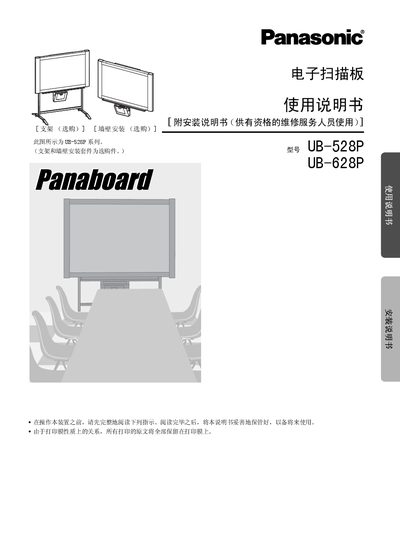
Panasonic UB-528P/UB-628P Electronic Scan Board User Manual
This manual covers safety precautions, installation of optional brackets and wall‑mount kits, and detailed setup of the device, including power connection, USB cable requirements, and driver installation. It also explains the functions of the control panel, screen, and thermal transfer film, and provides step‑by‑step instructions for copying, scanning, and printing.
Maintenance topics include cleaning the screen and printer components, caring for the thermal transfer film, and troubleshooting common error codes. The specification section lists dimensions, weight, operating environment, and performance data such as scan and print resolution. This manual is written in Chinese.
Panasonic UB-628P specifications
| Dimensions (H×W×D) without bracket | 1396 × 1550 × 230 mm (UB‑528P) / 1396 × 1912 × 230 mm (UB‑628P) |
|---|---|
| Weight without bracket | 36.0 kg (UB‑528P) / 38.5 kg (UB‑628P) |
| Operating temperature | 10‑35 °C |
| Storage temperature | -20‑60 °C |
| Scan resolution | 1.6 × 1.7 dots/mm (UB‑528P) / 1.6 × 1.3 dots/mm (UB‑628P) |
| Print resolution | 8 dots/mm |
| Copy speed | 15 seconds per sheet |
Source: Panasonic UB-528P/UB-628P Electronic Scan Board User Manual
All Panasonic UB-628P documents by type
Day-to-day operation, settings and troubleshooting. Start here if the product is already set up.
Questions answered in these manuals
What type of USB cable should be used with the scan board?
Use a shielded USB cable that carries the USB‑IF logo; do not connect the device through a USB hub.
From: Panasonic UB-528P/UB-628P Electronic Scan Board User Manual
Can more than one Panasonic scan board be connected to the same computer?
No; connecting two or more Panasonic scan boards to a single computer may cause instability.
From: Panasonic UB-528P/UB-628P Electronic Scan Board User Manual