
Key facts
- Brand
- Panasonic
- Model
- TH-M50HD18
- Category
- Television
- Industry
- Appliances
- Documents
- 2
- Languages
- EN
- Last added
- 2012-08-03
Start here
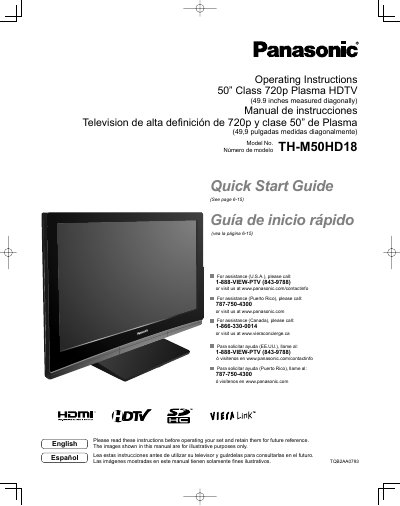
Panasonic TH-M50HD18 Plasma HDTV Operating Instructions
This manual provides operating instructions for the Panasonic 50" Class 720p Plasma HDTV (Model TH-M50HD18). It includes safety precautions, a quick start guide, basic connection steps, and identification of controls. The document also details first-time setup procedures and how to enjoy various features like watching TV, viewing from SD cards, and playing DVDs.
Read onlinePanasonic TH-M50HD18 specifications
| Screen Size | 50" Class (49.9 inches) |
|---|---|
| Resolution | 720p |
| Power Supply | 120 V AC, 60 Hz |
Source: Panasonic TH-M50HD18 Plasma HDTV Operating Instructions
All Panasonic TH-M50HD18 documents by type
Day-to-day operation, settings and troubleshooting. Start here if the product is already set up.
Questions answered in these manuals
What should I do if a problem occurs or smoke is detected?
Unplug the power cord immediately and have the TV evaluated at an Authorized Service Center.
From: Panasonic TH-M50HD18 Plasma HDTV Operating Instructions
Can I place objects on top of the Plasma TV?
No. Do not place any objects on top of the Plasma TV to prevent it from falling or tipping over.
From: Panasonic TH-M50HD18 Plasma HDTV Operating Instructions
What should I do if water spills onto the Plasma TV?
If water spills onto the Plasma TV or foreign objects get inside it, a short-circuit may occur which could result in fire or electric shock. If any foreign objects get inside the Plasma TV, please consult an Authorized Service Center.
From: Panasonic TH-M50HD18 50" Class Plasma HDTV Operating Instructions
Can I place objects on top of the Plasma TV?
No, do not place any objects on top of the Plasma TV as it may fall off or tip over.
From: Panasonic TH-M50HD18 50" Class Plasma HDTV Operating Instructions